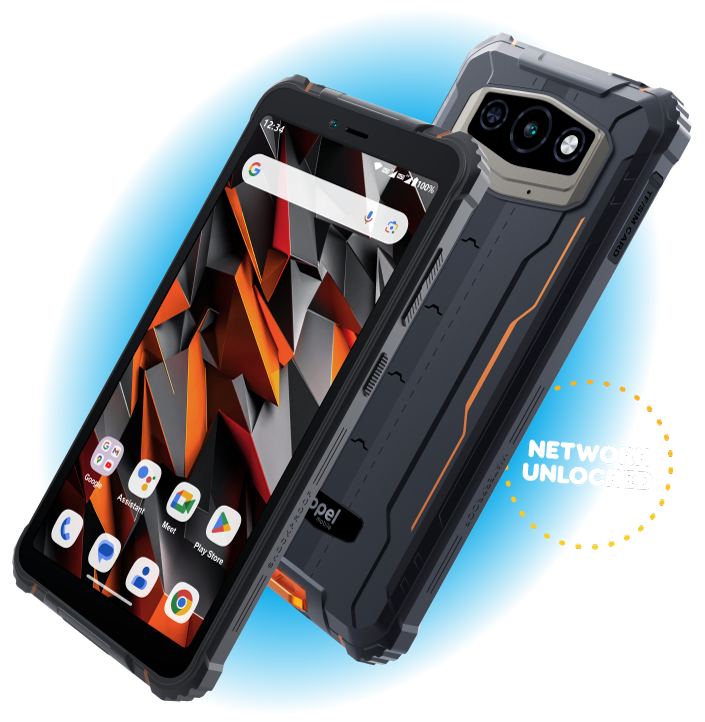
Manufactured to be Tough!
Built with Panda Glass® – Panda Glass offers excellent transparency and high-impact resistance.
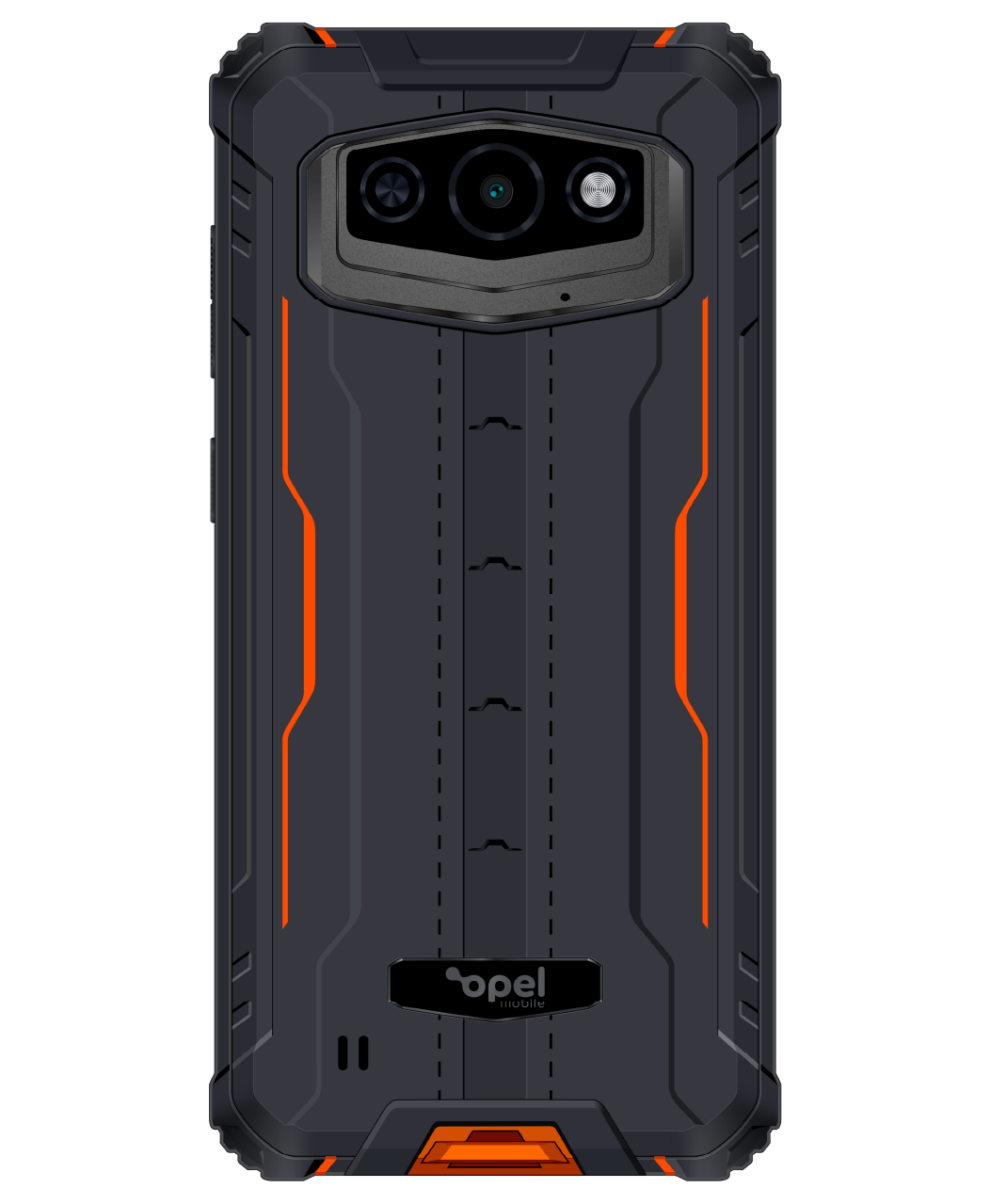
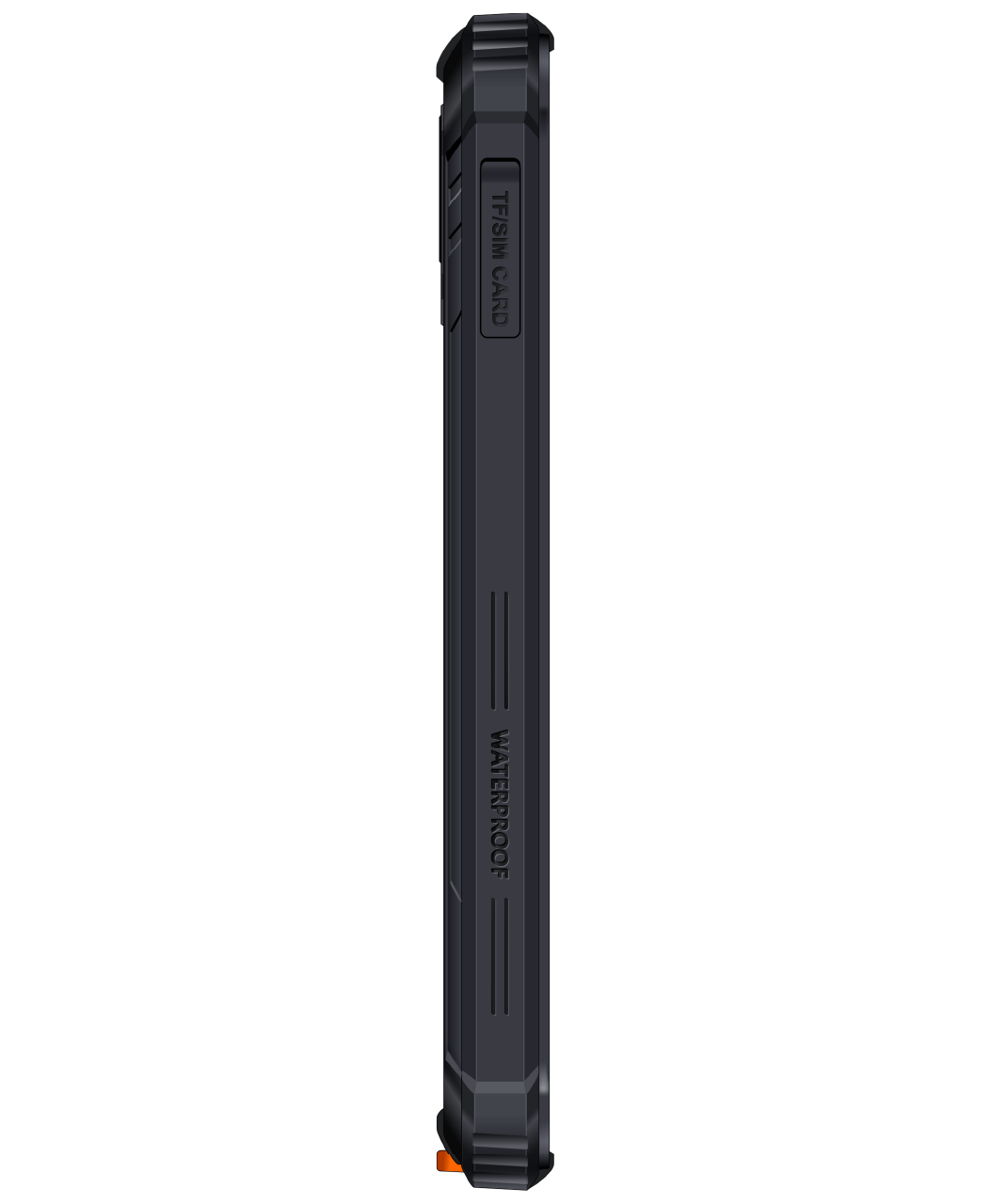
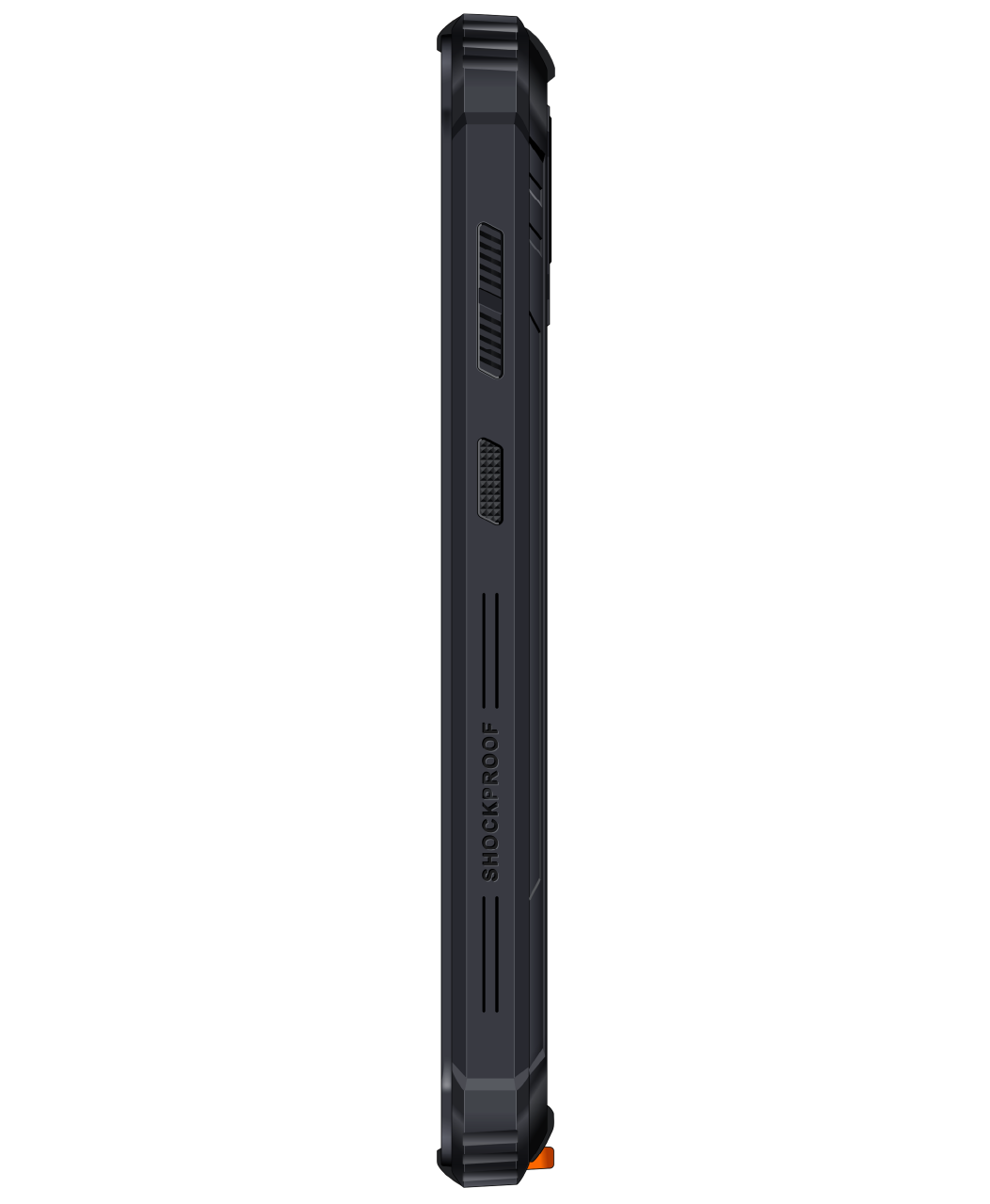
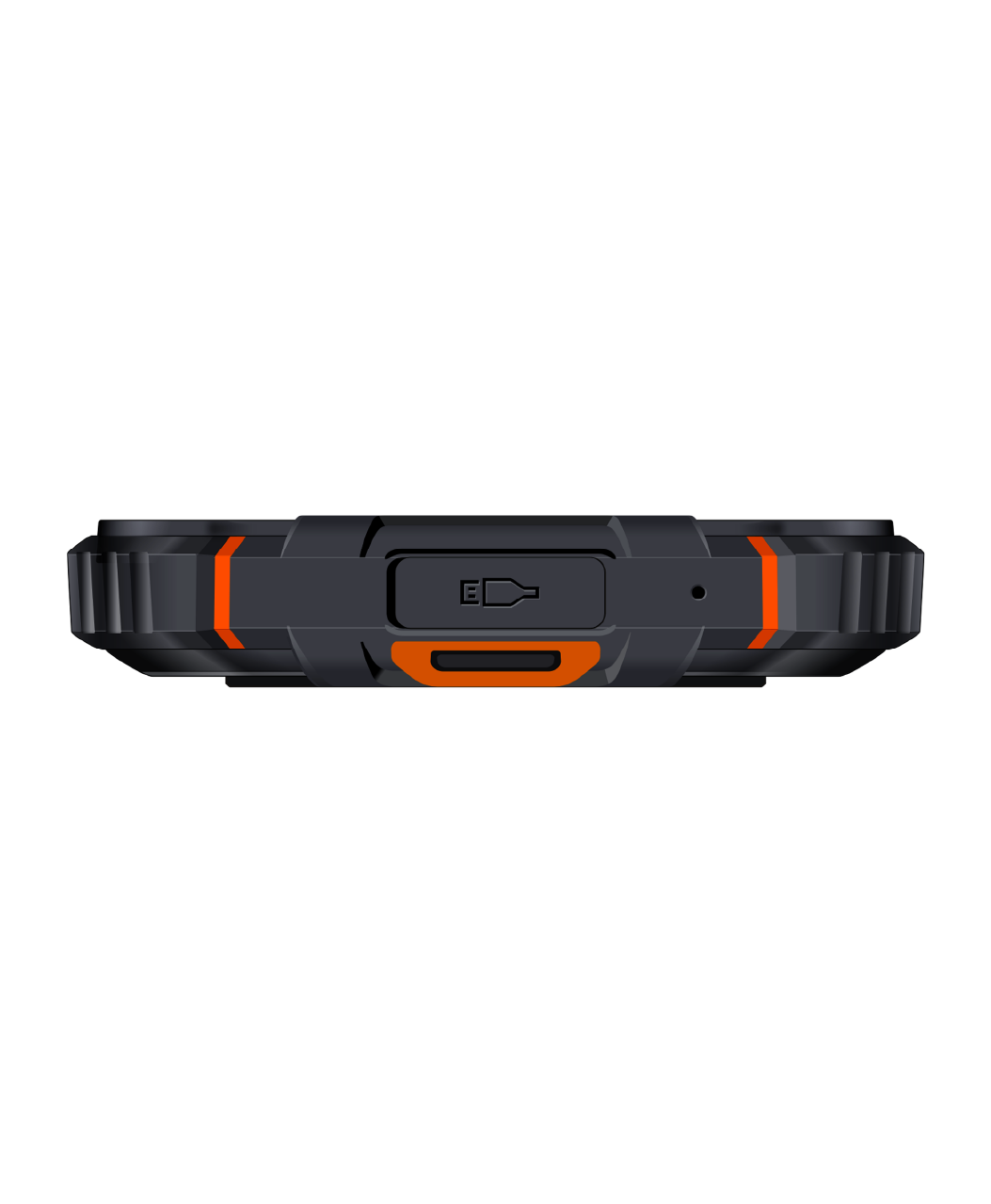
IP68 and IP69 protection means the Rugged60Q is both dust and water proof up to one metre deep for 30 minutes. The phones casing is sealed with a pressure sensitive adhesive that helps secure the phone against both dust and liquids ingress.
A massive 6050 mAh battery can last up to three full weeks on standby and 3 days of general use. Handy when power is in short supply.
In stock
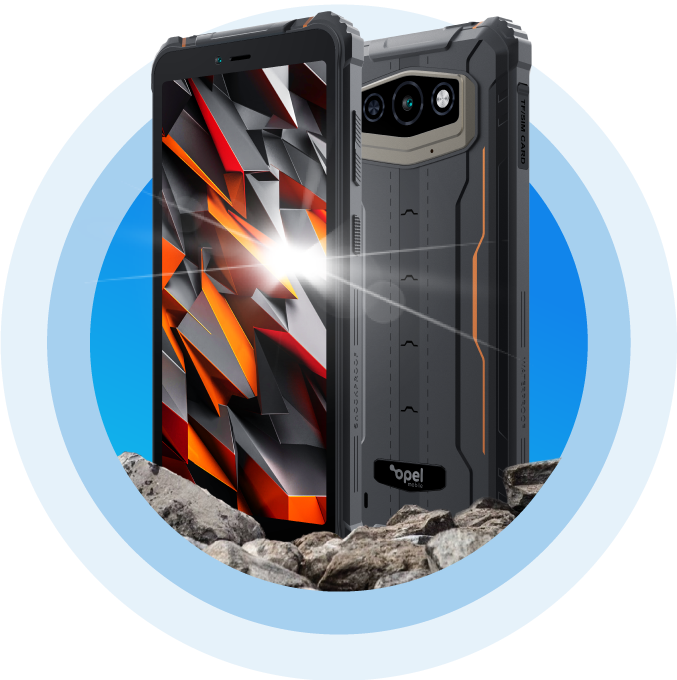
Meet the Opel Mobile Rugged60Q Phone
- Network Unlocked
- 4G Dual SIM VoLTE
- 6" IPS Panda Tough Screen
- Bluetooth 5.0
- Quadcore 2.0 GHz
- Expandable Memory – up to 512GB
- 6050mAh Battery
- IP69 - Water/Dust Proof
- 4GB RAM
- 64GB ROM
- Android™ 13
- Cameras 5MP + 13MP
- NFC Mobile Payments
- Facial Unlock
- USB Type C
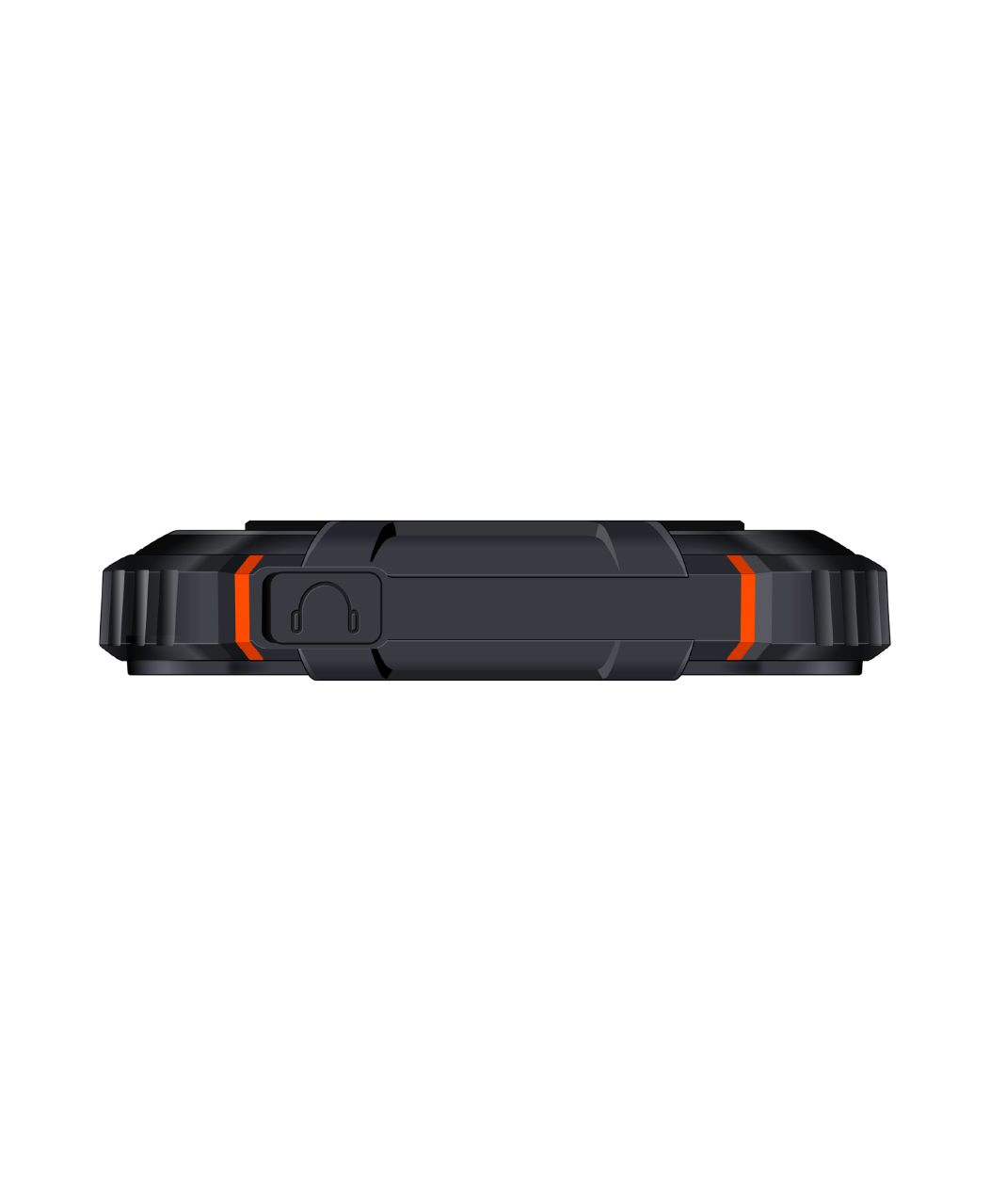
- 3.5mm Headphone Jack
In stock
AndroidTM 13
13
Android 13 delivers even more personal, safe and effortless experiences on your device. Featuring a totally reimagined UI just for you and new privacy features that are designed for your safety and put you in control.

Work Hard. Play Harder.
The Rugged60Q not only exceeds all performance expectations – it dominates with 4GB RAM setup for everyday demanding user experience. With a massive 64GB internal storage, all your files are a touch away.
NFC
No need to carry a dusty old wallet. With NFC you’ll be able to pay for your goods by simply tapping your phone.
5MP + 13MP Cameras
The Rugged60Q is paired with a 13 megapixel main camera with LED flash that will capture your favourite moments. Selfie by the way of a 5 megapixel front camera, so you can feel confident with all your selfies.
6” IPS Screen
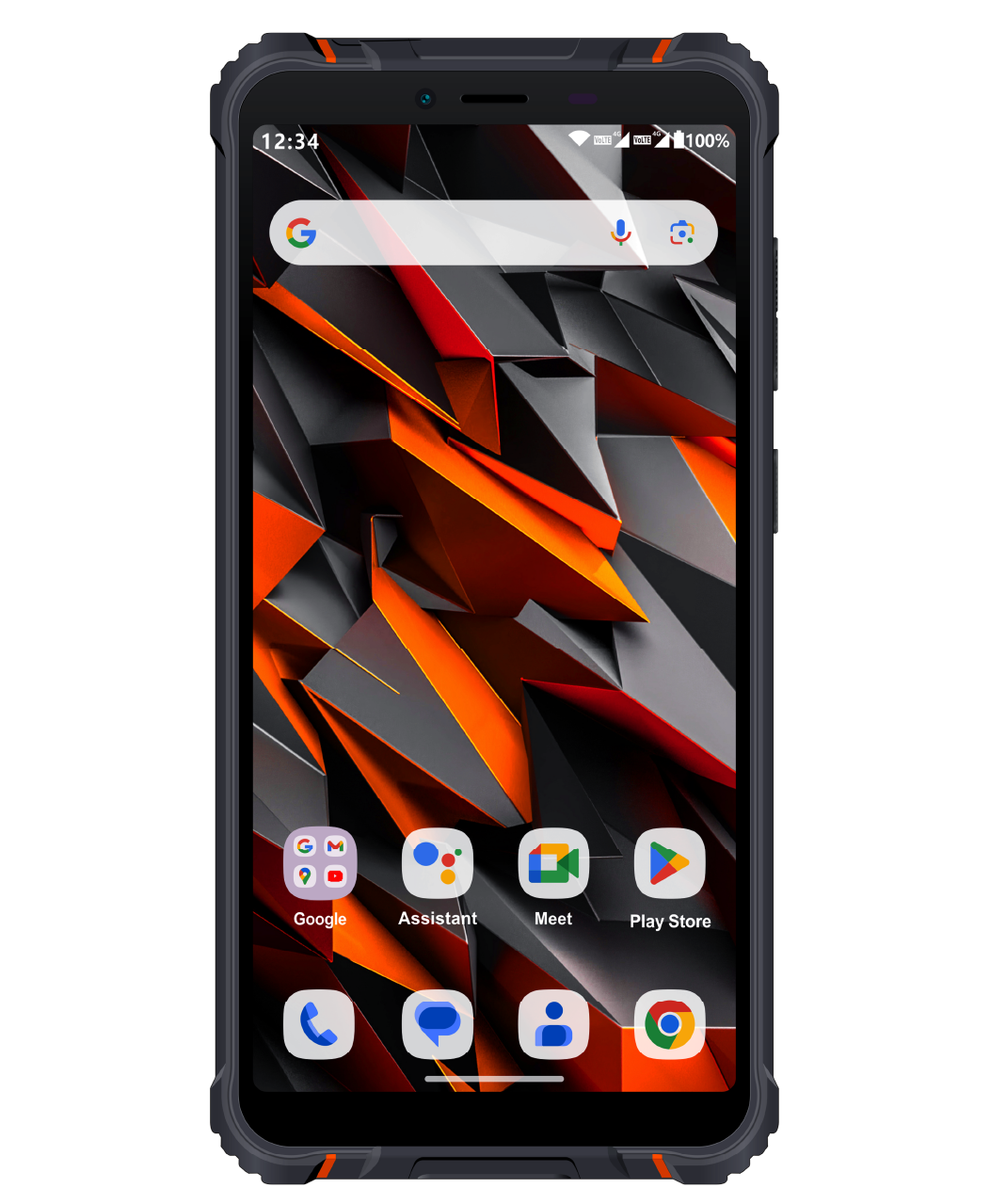
This Vivid IPS screen delivers clear, colourful details onscreen, whether dimmed down low or on full blast. It brings all your favourites videos and movies to life. Give your eyes and ears a true cinematic experience with our latest Rugged60Q.
Facial Recognition
Unlock your world just by looking at your smartphone. Quick, easy but most of all secure, our facial unlock will keep you on the move whilst protecting your privacy.
Real Reviews from Satisfied Opel Mobile Phone Users
We love hearing stories about how Opel Mobile Phone has helped real people a little easier. Here are some of our favourites.
Productreview
Great phone. My son uses this phone with no problems and likes it.

Chantal
Productreview
Trouble with interface. Service was excellent. Quick response & easy to understand instructions. Many thanks Ysrael!
Don
Productreview
Excellent customer service. I was able to speak directly with support sta without waiting. The consultant, Ria, was helpful, clear and patient.
SRY
Frequently Asked Questions
General
Nano SIM
Yes, it supports dual SIM card (nano + nano)
3G and 4G with VoLTE
You can purchase spare accessories on https://www.opelmobile.localhost/shop/
Power and Battery
This really depends on the strength of the network signal and your usage patterns. Poor network reception and heavier usage pattern can drain battery much faster. Generally it can last up to 1-2 days on standby mode with light usage with good reception, however, we recommend to charge the device daily.
No, as it uses a non-removable internal battery
Start up
Yes, you can enable start up and lock screen password in Settings app:
1) Select Security
3) Select Screen Lock
4) Select PIN or Password
Phone Call
Yes, you can access Blocked Numbers through Settings menu inside Phone Dialler app
Connectivity
Yes, you can use Bluetooth headsets to make phone calls or listen to music
Yes, you can open Google Maps app to view your current location
Data Management
Yes, it supports microSD card up to 32GB, and the compatibility of larger capacity is not guaranteed
1) Phone memory: depends on your available internal memory
2) SIM memory: depends on your network provider
1) Phone memory: depends on your available internal memory
2) SIM memory: depends on your network provider
Sound
Use the Volume buttons to adjust ringing volume and switch ringer mode
You can change the ringtone:
1) Go to Settings app
2) Select Sound
3) Select Phone Ringtone
Yes, you can enable TalkBack through Accessibility menu inside Settings app
Display
Applications
Yes, you can install new apps via Google Play Store
Yes, and for better FM reception and sound quality, it is suggested to use it outdoor
Use a finger to swipe down the notification bar from the top of the screen, and select Torch icon
Troubleshooting
General
It is designed to work in Australia and New Zealand primarily, and we cannot guarantee it will work overseas
The device comes with a 12 month local warranty:
1) We will provide an identical replacement if we are unable to repair it under warranty
2) If it is not replaceable, we will provide refund based on your original purchase price (a copy of proof of purchase must be provided)
3) We will cover all postage costs if it is under warranty
4) We do not cover accidental damage nor water damage
Power and Battery
Please refer to the below checklist and follow them properly:
1) The battery is inserted correctly
2) Nothing is covering the gold connection pins on the battery
3) Long-press the Power button for at least 5 seconds to turn it on
4) Charge the device for at least 10 minutes as the battery may have run out of charge completely
Please refer to the below checklist and follow them properly:
1) The power adapter is inserted in the wall socket correctly and the wall switch is turned on
2) The wall socket is working well by testing another adapter or try another power socket
3) The USB cable is being inserted correctly and completely
4) No dirt or dust accumulated in the charging port
5) Charge the device for at least 10 minutes as the battery may have run out of charge completely
Please refer to the below checklist:
1) Use it at the locations with good mobile network reception
2) Do not let the screen stay on for a prolonged period
3) Lower the brightness level of the screen
4) Normally a battery needs a few recharge-discharge cycles to reach its optimal performance
5) Always use genuine Opel Mobile accessories
Generally it takes up to 3-5 hours for a full charge
Start Up
This means you have input the incorrect SIM PIN code for 3 times or more, please contact your network provider to obtain the PUK code of your SIM card (not from Opel Mobile)
Please refer to the below checklist and follow them properly:
1) Must use the correct SIM card size
2) The SIM card is inserted correctly (refer to the Quick Setup Guide in User Manual)
3) The SIM card may be damaged or dirty, please obtain a replacement SIM from your network provider
Phone Call
Please refer to the below checklist and follow them properly:
1) The SIM card is inserted correctly (refer to the Quick Setup Guide in User Manual)
2) The SIM card has been activated and has sufficient credit to make calls
3) The phone number you want to call is being input correctly, e.g. with correct area code or country code
4) Make calls at the locations with good mobile network reception
5) They are connected to mobile network and flight Mode is not turned on
Please refer to the below checklist and follow them properly:
1) Try to increase the in-call sound volume
2) Ensure the microphone is not being covered
3) Adjust the position of the earpiece to your ear properly
4) Make calls at the locations with good mobile network reception
Data Management
When you perform a factory reset, all the data in the device will be deleted, and there is no way to recover them
1) Go to Settings app
2) Select System
3) Select Advanced then Reset Options
4) Select Erase All Data
We Don't Just Sell Mobile Phones
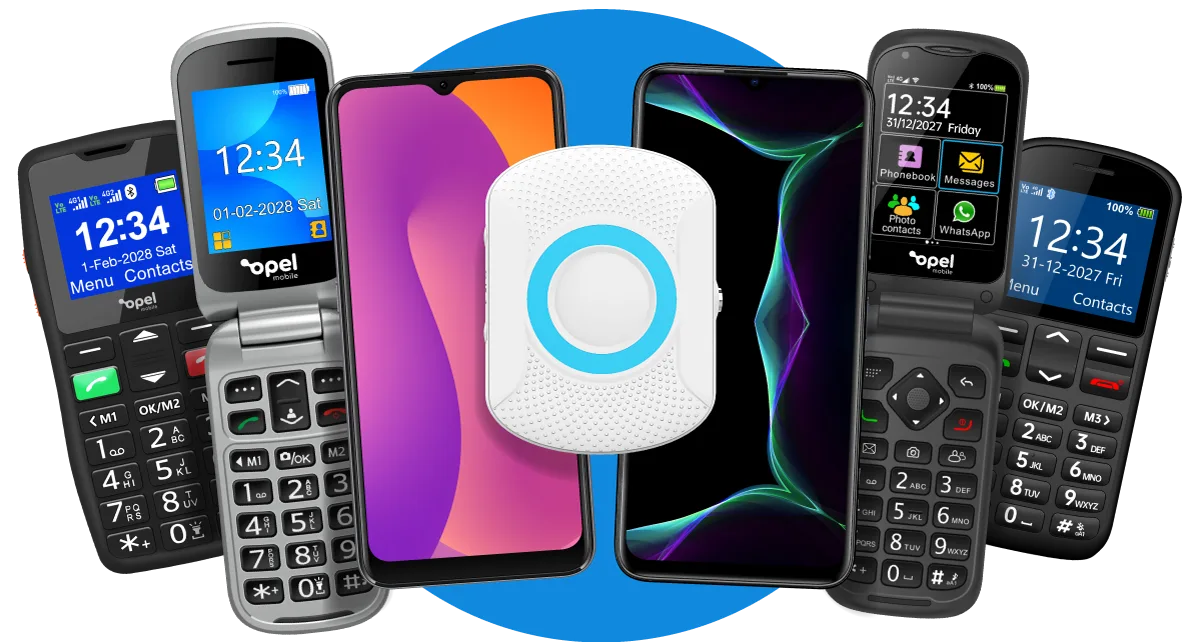
Our solutions are of excellent quality due to being Australian designed. From flip phones to smartphones and big button phones we have now added the SafetyPendant to the Opel Mobile family.
In stock
Manufactured
to be Tough!
By far the most affordable Rugged phone in the market. At just €199 it’s affordable and designed to withstand whatever is thrown it’s way.
OUT OF STOCK
In stock
Talk to an Opel Mobile Expert and Order Your Rugged60Q Phone Today!
 1800 456 902