Trusted by Ireland's Top Retailer

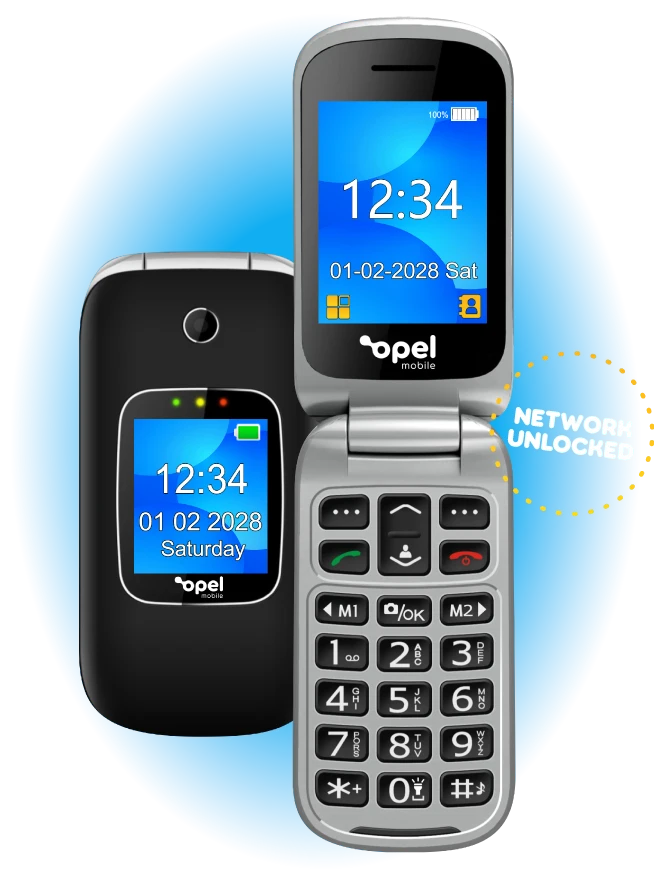
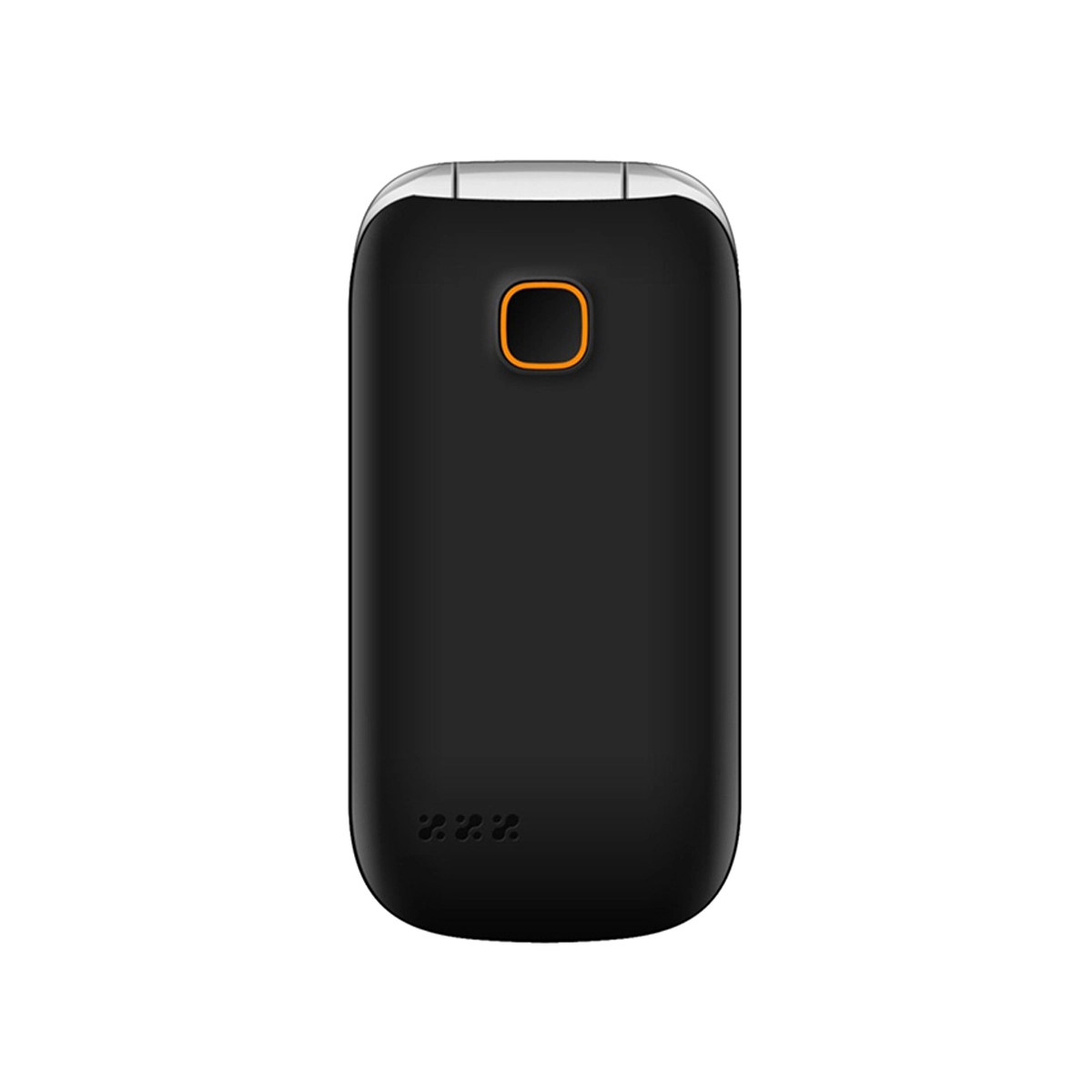
A simple dual screen flip phone to call and text, with charging cradle and 4G capability
This M4/T4 Hearing Aid Compatible Dual screen flip phone is unlocked, so it is not connected to a carrier. It also has 4G VoLTE which allows voice calls over the 4G LTE network and guarantees good quality when you make calls.
It also features Bluetooth technology for you to use your mobile phone hands-free and a cradle charger comes standard with the purchase of this product as well.
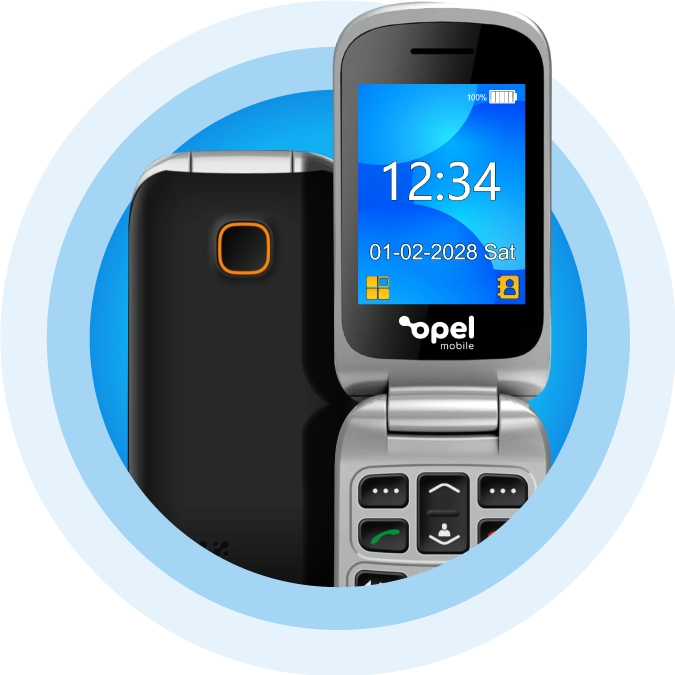
Meet the Opel Mobile FlipPhone 6
- Network Unlocked
- 4G VoLTE Network
- VoLTE
- Bluetooth
- SOS Emergency Call Button
- Speed Dial
- M4/T4 Hearing Aid Compatible
- 1350mAh Battery
- 0.3MP Camera
- Expandable Memory – up to 512GB
- Music Player
- Flashlight
- Charging Cradle Included
-
Open to Answer
Close to Hangup - Calendar
- Predictive Text
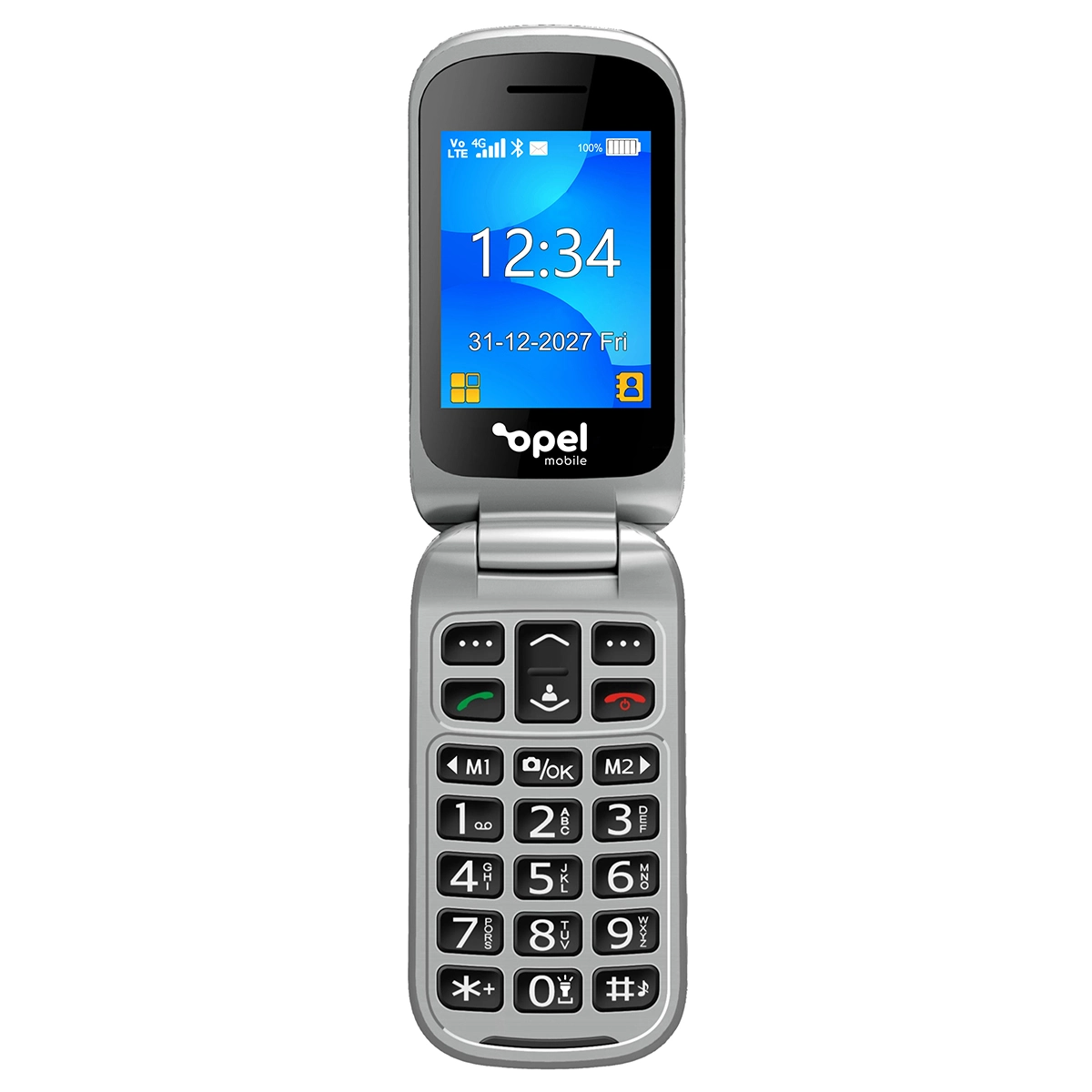
- 2.4” + 1.44” Dual Screen
- Talking Keypad Option
- Big Buttons (easy to use)
- Loud Speaker
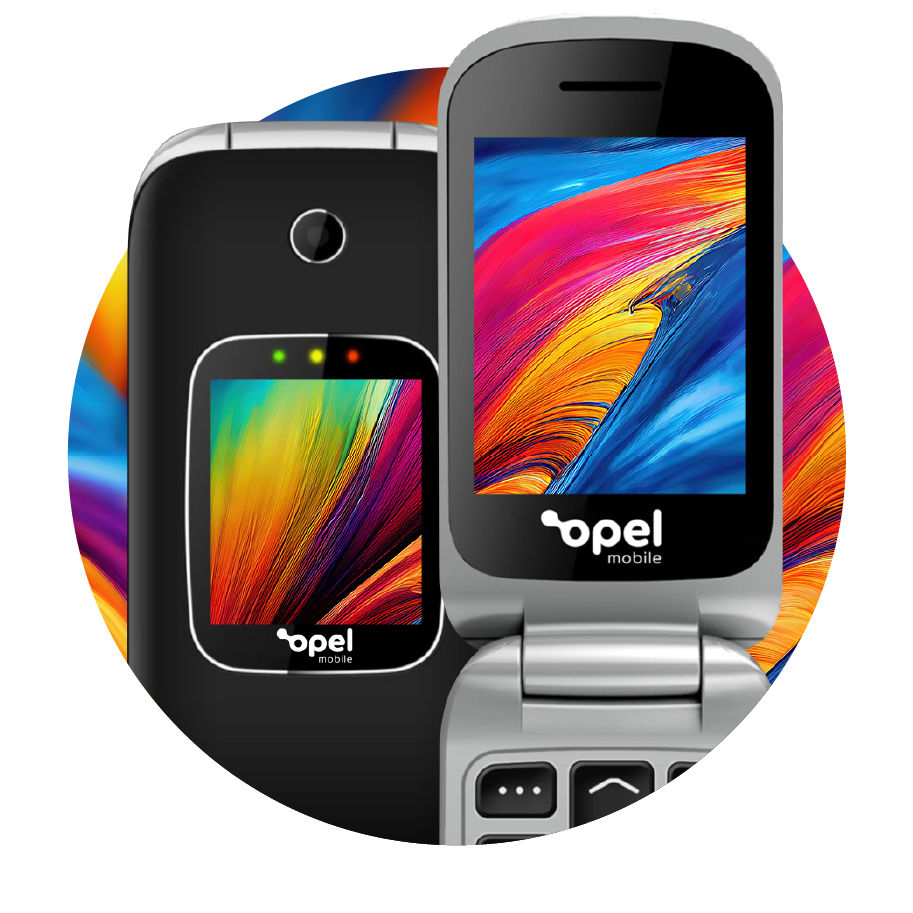
Dual Colour Displays
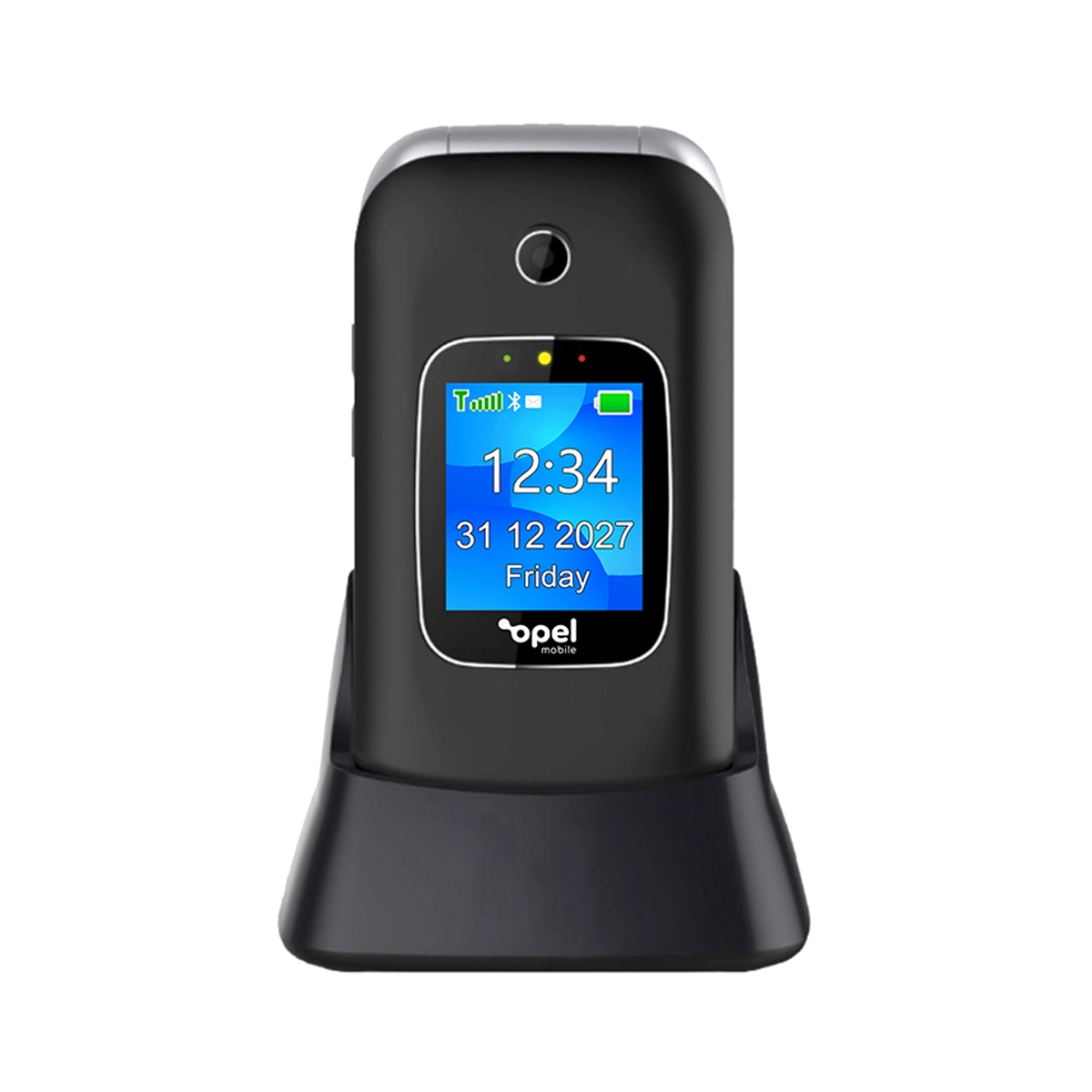
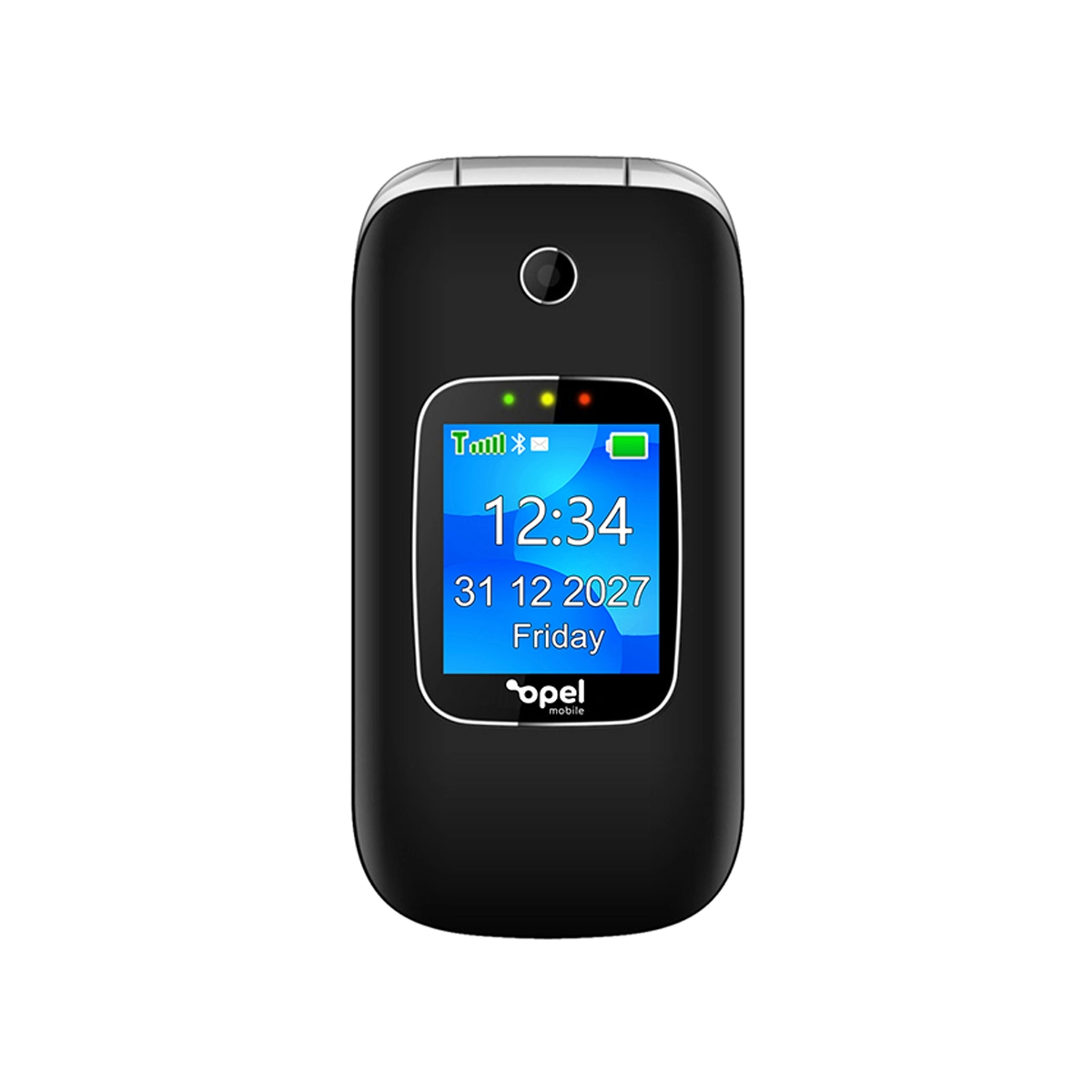
Our smallest flip phone yet packs in dual vividly bright 2.4 inch and 1.44 inch screens allowing you to see who’s calling before you flip open the phone to answer.
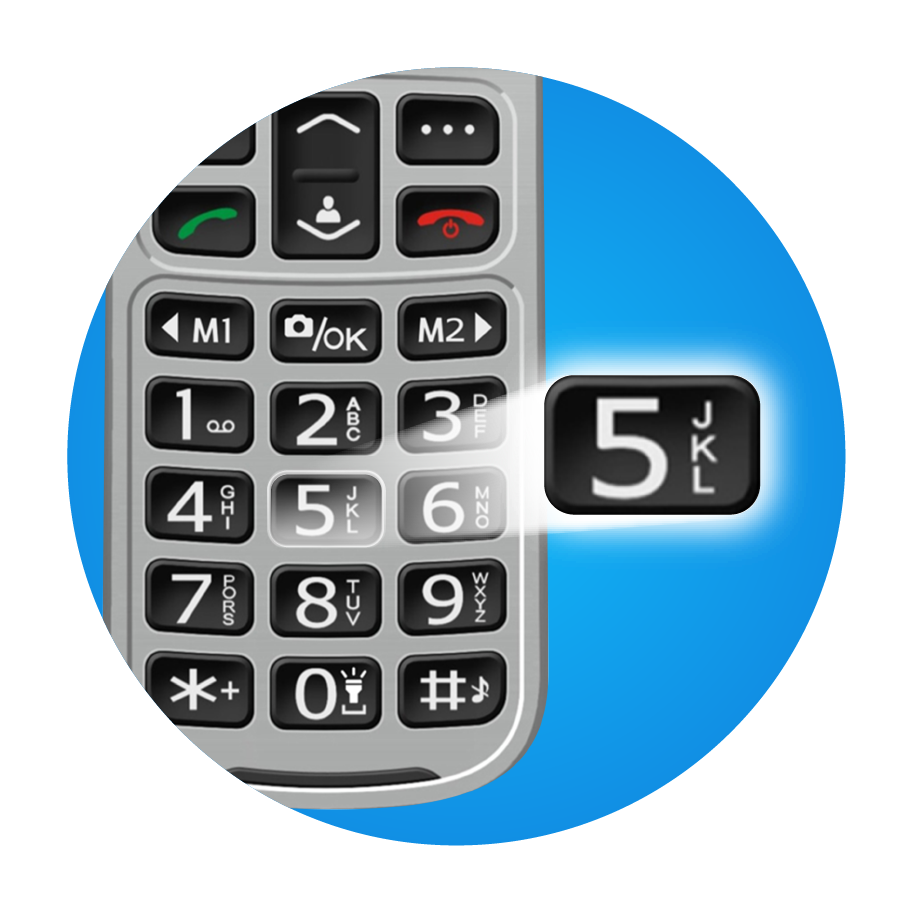
Big Physical Buttons
With enough room in between the raised tactile buttons to ensure there are no accidental button presses and a clearly defined directional button to help navigate through the intuitive, easy-to-use menu.
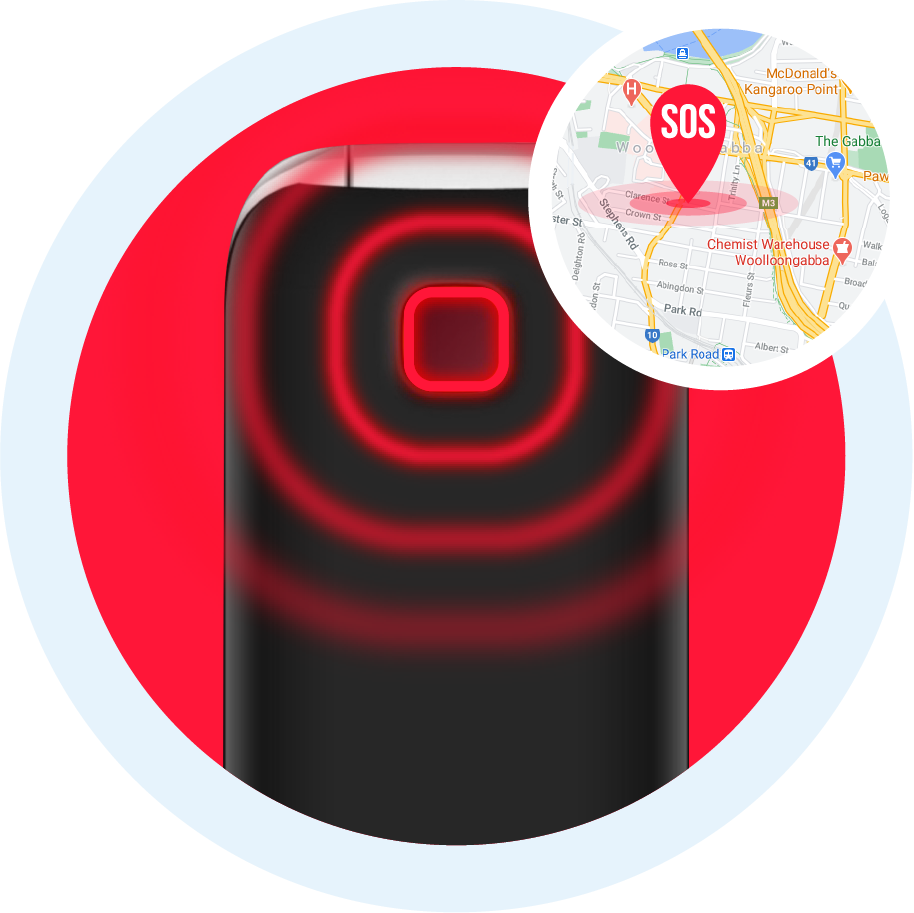
SOS Emergency Button
By activating the SOS emergency feature, the FlipPhone 6 will call up to five contacts, sound an alarm and send a customisable SMS message requesting help to all 5 contacts
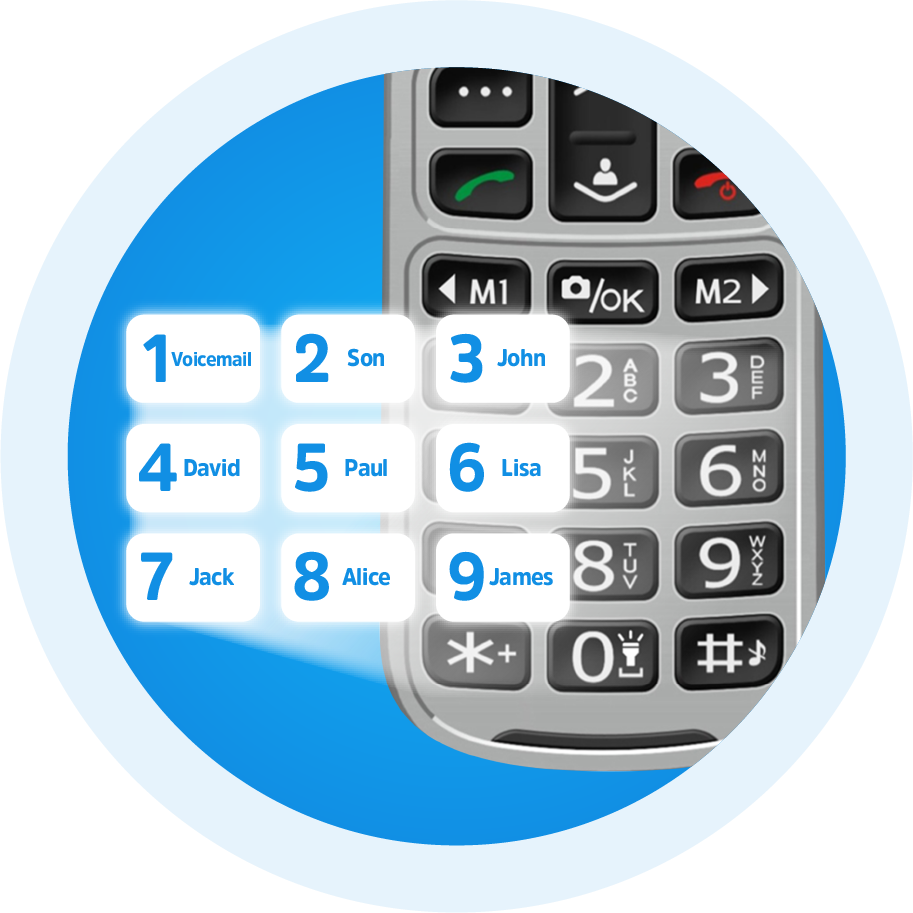
Speed Dial
Speed dial up to 8 contacts at a single press of a button.
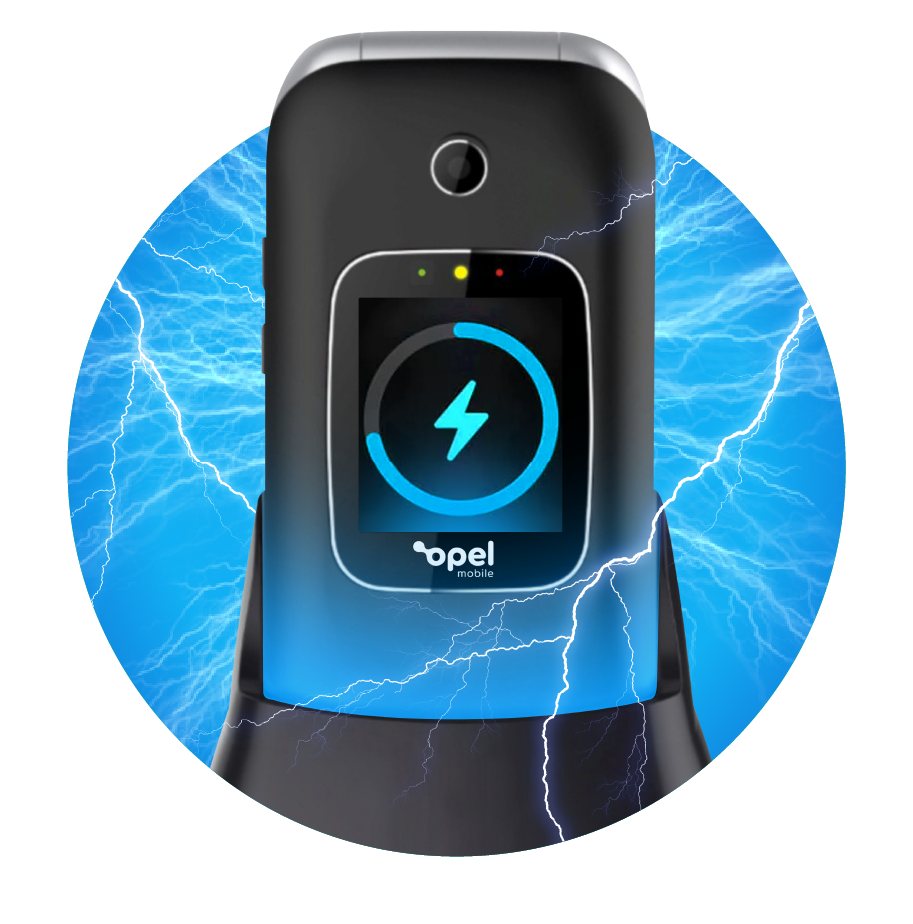
Charging Cradle Included
Making charging and storing the phone overnight an absolute breeze with the included Charging Cradle.
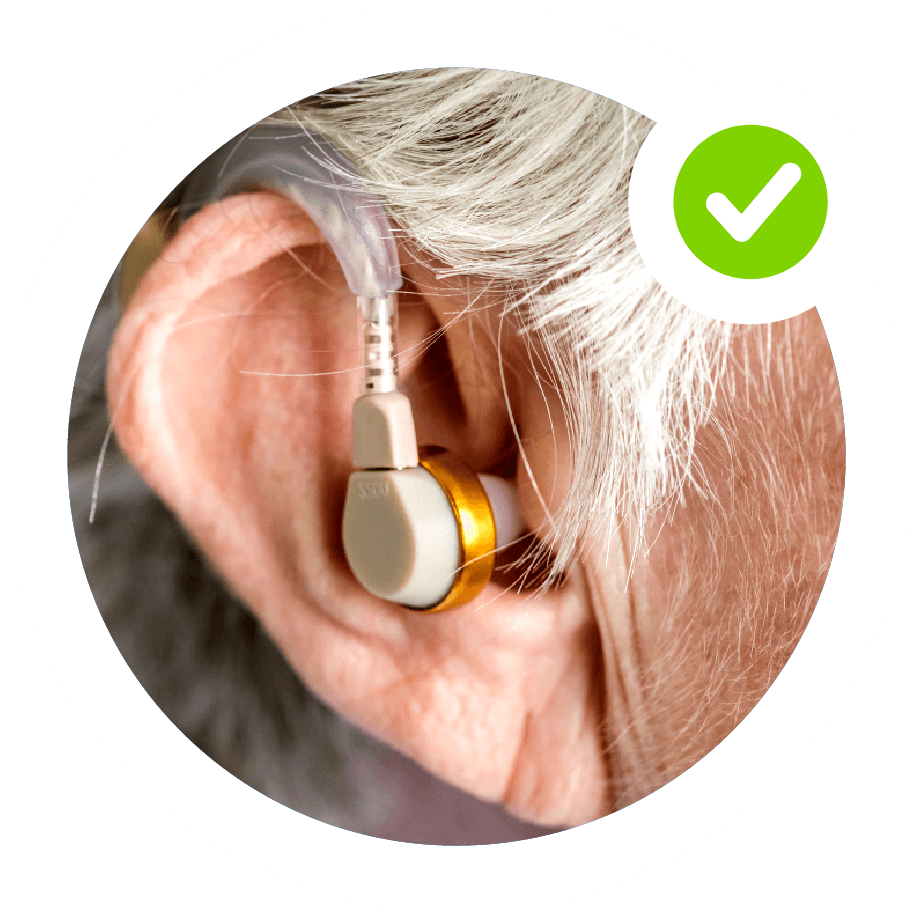
Hearing Impaired? Never Miss A Thing
The FlipPhone 6 is hearing aid compatible with a M4/T4 rating. Couple that with a loud ringtone and a Talking Keypad option you’ll never miss a call again.
-
Large 1350mAh Battery
Up to 3 days standby time and a massive 6 hour talk time -
Bluetooth
With the latest Bluetooth Connectivity you’ll never miss a call in your car again.
Real Reviews from Satisfied FlipPhone 6 Phone Users
We love hearing stories about how FlipPhone 6 Phone has helped real people a little easier. Here are some of our favourites.
Officeworks
Can answer calls when opening and is very clear and loud. Love that it has a second screen so I can see who's calling me before I open the phone. The charging dock is a great addition.

Simonsayz
Productreview.com.au
have had positive experience on both the Opel phones I have purchased. I am 64 yo and I am absolutely 100% satisfied with my recent Flip Phone 6 purchase, it is great for me and does exactly what I need a phone for: to make phone calls, send receive text messages and it is small and grippy so it does not fall out of my shirt pocket when I'm working on something….
Webrover58
The Good Guys
Great for a first phone or if you want it for phone calls only. Keeping in touch with a young person who ou do not necessarily want to use internet
Karen Ratcliffe
Opel Mobile FlipPhone 6
Looking for a new mobile phone that can help your relatives? Check out the Opel Mobile FlipPhone 6.
This budget-friendly phone has all the features you need, without any of the confusing apps that make it complicated for the elderly and seniors to use.
Read More
Read More
Why is the Opel Mobile FlipPhone 6 a great flip phone for Seniors?
The Opel Mobile FlipPhone 6 is the perfect flip phone for seniors because:- it has a large display that is easy to use
- it has a built-in flashlight
- it has an emergency call button
- it won’t break the bank
What makes the Opel Mobile FlipPhone 6 Unique?
This M4/T4 Hearing Aid Compatible Dual screen flip phone is unlocked, so it is not connected to a carrier. It also has 4G VoLTE which allows voice calls over the 4G LTE network and guarantees good quality when you make calls. It also features Bluetooth technology for you to use your mobile phone hands-free and a cradle charger comes standard with the purchase of this product as well.How does the Opel Mobile FlipPhone 6 Keep My Family Safe?
Keeping you safe outdoors: The Opel Mobile FlipPhone 6 has been built with the latest technology and design to keep you safe outdoors.
The SOS Emergency feature allows you to call emergency services in the event of an accident. This feature can be used even if your phone is locked, meaning that you can call for help at any time no matter what state your phone is in.
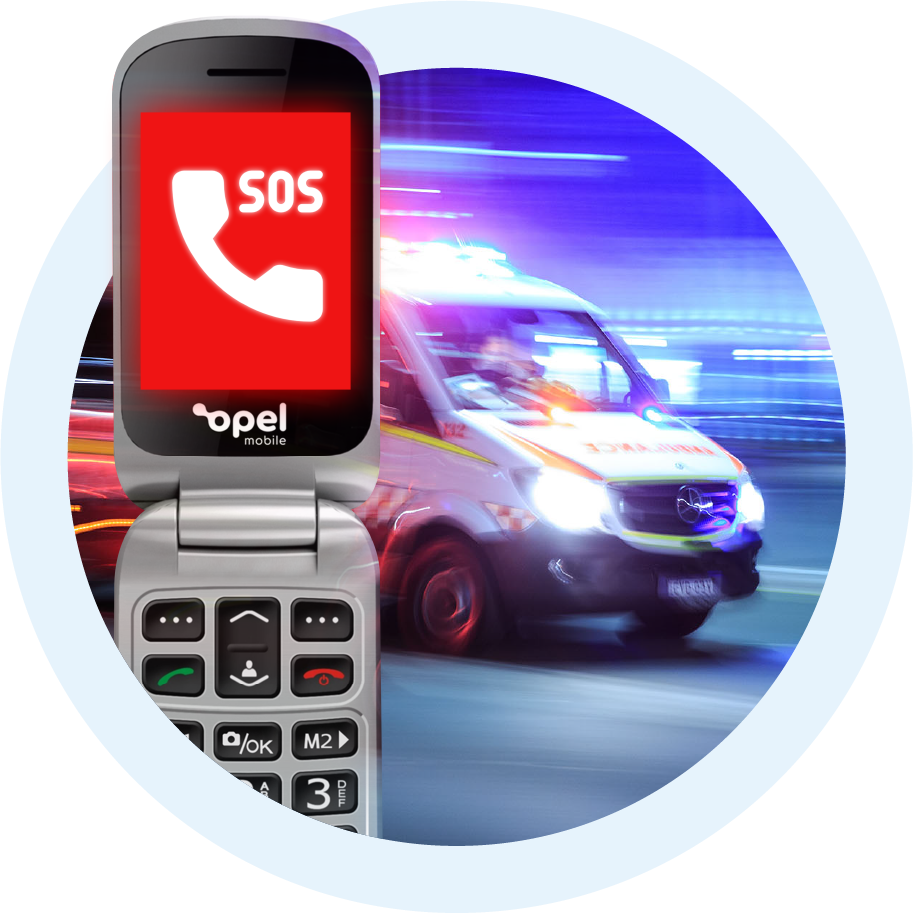
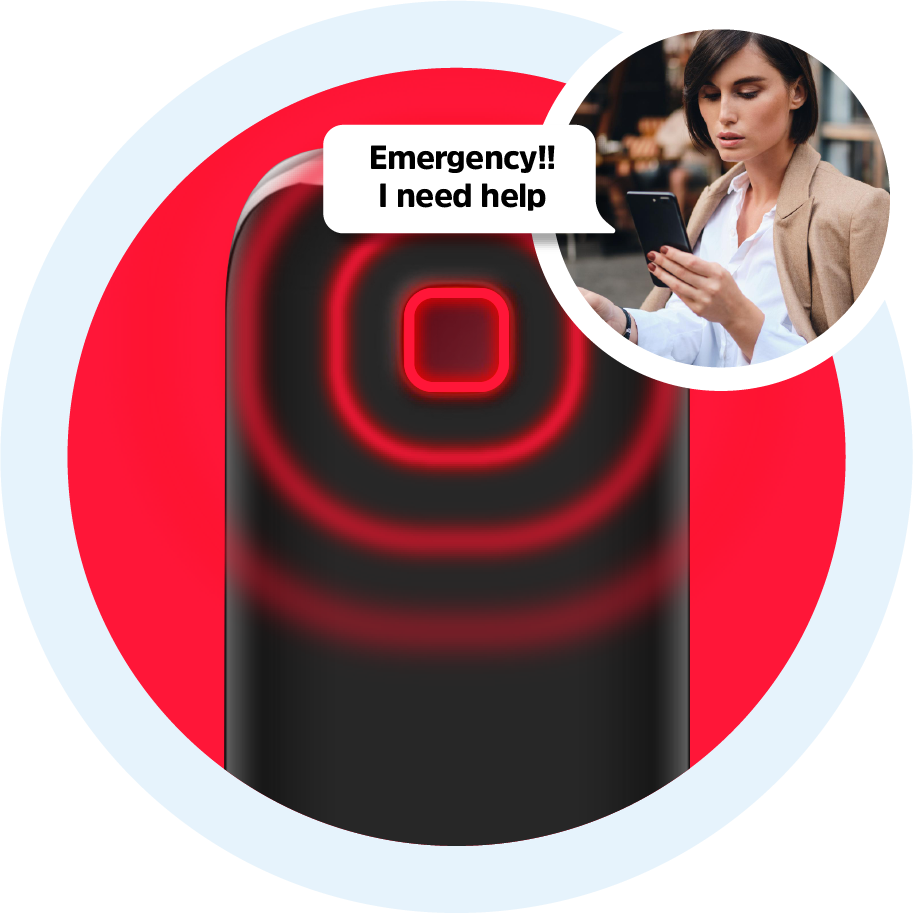
Keeping you safe anywhere: The SOS button sends emergency alerts directly to your contacts. Once the SOS Button is activated the phone will dial up to 5 contacts until someone answers the call.
At the same time it will send the same 5 contacts an SMS with a pre-determined customised message such as “Emergency…I need help”.
Stay connected and keep safe with the Opel Mobile FlipPhone 6!
Frequently Asked Questions
General
Nano SIM
No, it supports single SIM card only
3G and 4G with VoLTE
You can purchase spare accessories on https://www.opelmobile.localhost/shop-accessories/
Power and Battery
This really depends on the strength of the network signal and your usage patterns. Poor network reception and heavier usage pattern can drain battery much faster. Generally it can last up to 1-2 days on standby mode with light usage with good reception, however, we recommend to charge the device daily.
Yes, as it uses a removable battery, you can purchase a spare one on https://www.opelmobile.localhost/shop/
Power and Battery
Yes, you can enable start up password (Require Start Up Password) through the Security menu in Settings app
Phone Call
Yes, you can access Blacklist through Security menu in Settings app
Yes, it supports three types of quick dial shortcuts:
(1) M1/M2/M3 speed dial (access via Settings app)
(2) 2-9 number keys speed dial (access via Settings app)
(3) Photo dial (access via Contacts app)
Connectivity
Yes, you can use Bluetooth headsets to make phone calls or listen to music
Yes, GPS location can be sent out by SOS SMS
Yes
1) It can reach to the highest HAC standard: M4/T4 rating of the ANSI C63.19 test method
2) It should be compatible with most hearing aids but compatibility is not guaranteed
3) Adjust its position nearby the hearing device properly, so it can achieve the best effect of hearing
4) Please consult with your doctor or hearing aid manufacturer before using a hearing aid with this device
For more information, please refer to our HAC instructions in the Support section
Data Management
Yes, it supports microSD card up to 512GB, and the compatibility of larger capacity is not guaranteed
1) Phone memory: up to 1000 contacts
2) SIM memory: depends on your network provider
1) SMS: 200 messages
2) MMS: 50 messages
3) SIM memory: depends on your network provider
1) Go to Contacts app, press Options and select Import/Export
2) It is recommended to use external memory card for data backup
Go to Messages app, press Options and select Settings, then select SMS then Export SMS
While viewing the MMS, press Options and select Save media files
Sound
Long-press the # key at the home screen
Different ringtones can be assigned to different Sound Profiles, to change the ringtones:
1) Go to Sound Profiles app
2) Highlight the current profile and select Options
3) Select Edit Ringtones
4) Select Select Ringtones
Yes, this device supports Talking Keypad which can speak out the numbers while you are dialling:
1) Go to Sound Profiles app
2) Highlight the current profile and select Options
3) Select Other Alert Rings
4) Select Dial Tone
Display
Yes, you can disable auto keypad lock through the Security menu inside Settings app, but it is recommended to turn on auto keypad lock for preventing to call out accidentally and extending the battery life
Applications
No, as it is not a smartphone
No, as it is not a smartphone
Use # key to switch while typing, and predictive text input method is supported
Yes, you can create a reminder with your own voice in Calendar app:
1) Press Options to Create an event
2) Scroll to Reminder Tone and press OK key
3) Select Record Voice
Yes, and for better FM reception and sound quality, it is suggested to use it outdoor
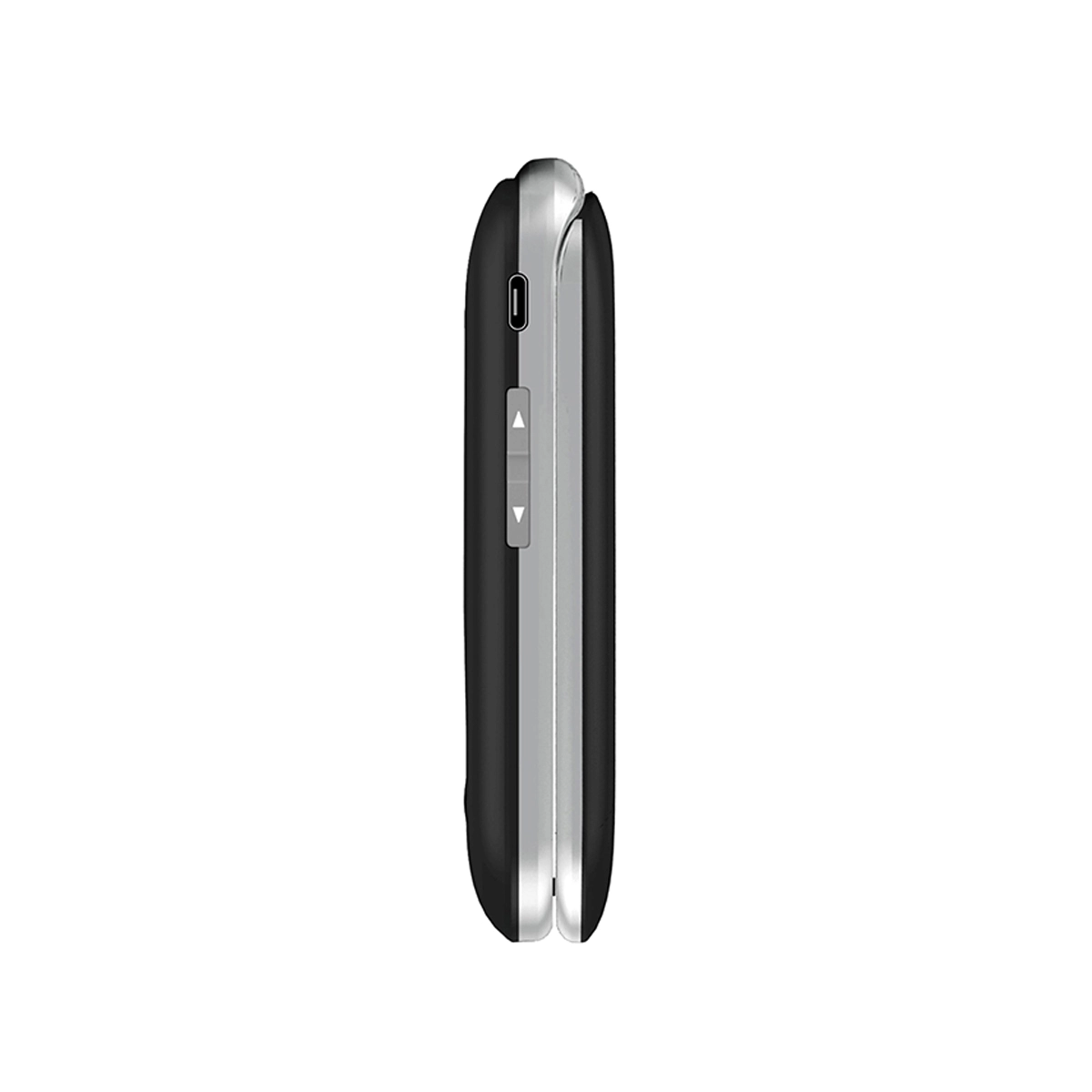
Flip the switch on the right-hand side of the device
SOS Emergency
1) Activate SOS: press the SOS button on the back 3 times
2) Stop SOS: press red End-call key few times until it returns to the home screen
Yes, but be reminded that GPS locations cannot be acquired indoors
Troubleshooting
General
The device comes with a 24 month local warranty:
1) We will provide an identical replacement if we are unable to repair it under warranty
2) If it is not replaceable, we will provide refund based on your original purchase price (a copy of proof of purchase must be provided)
3) We do not cover accidental damage nor water damage
Power and Battery
Please refer to the below checklist and follow them properly:
1) The battery is inserted correctly
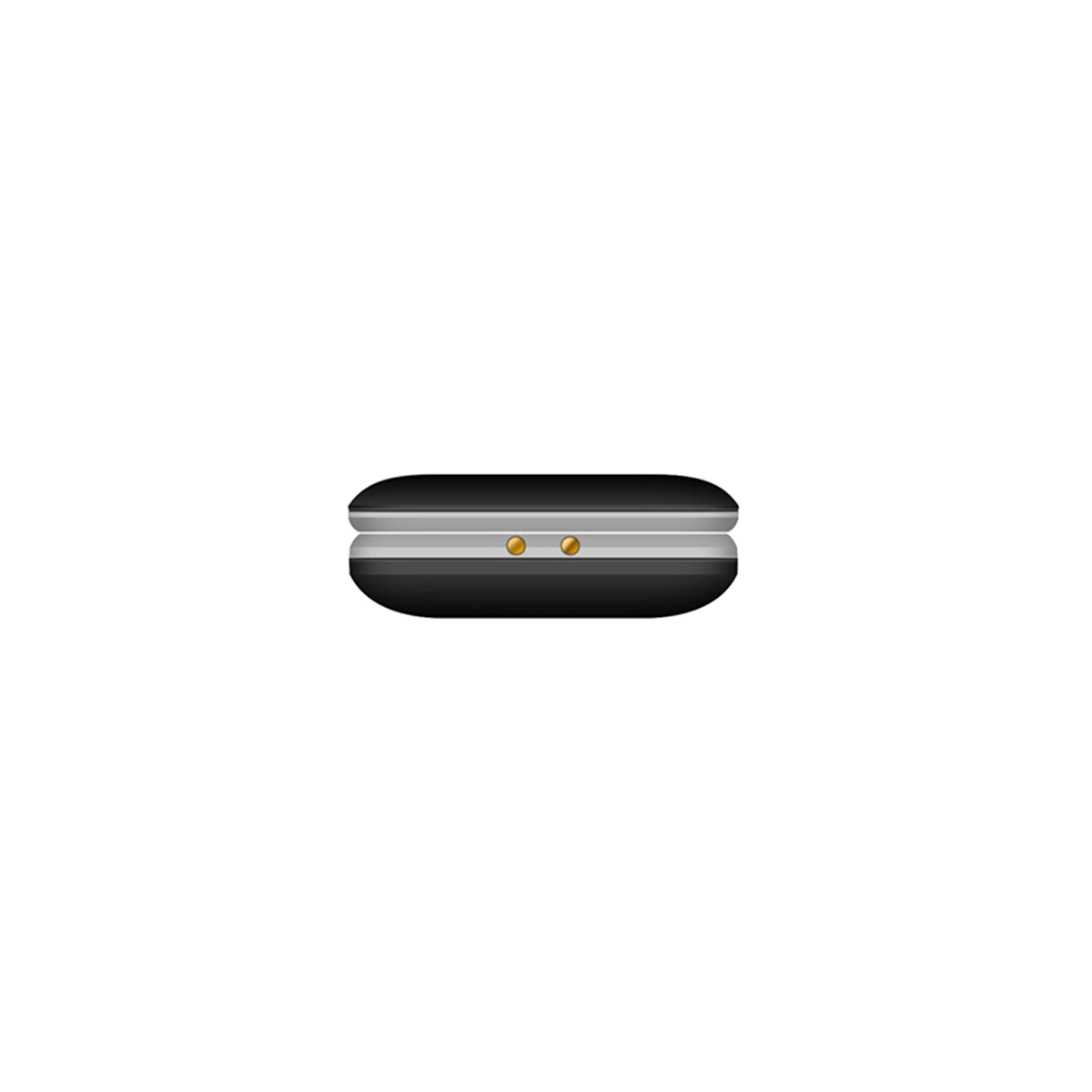
2) Nothing is covering the gold connection pins on the battery
3) Long-press the Power button for at least 5 seconds to turn it on
4) Charge the device for at least 10 minutes as the battery may have run out of charge completely
Please refer to the below checklist and follow them properly:
1) The power adapter is inserted in the wall socket correctly and the wall switch is turned on
2) The wall socket is working well by testing another adapter or try another power socket
3) The USB cable is being inserted correctly and completely
4) No dirt or dust accumulated in the charging port
5) Charge the device for at least 10 minutes as the battery may have run out of charge completely
Please refer to the below checklist:
1) Use it at the locations with good mobile network reception
2) Do not let the screen stay on for a prolonged period
3) Lower the brightness level of the screen
4) Normally a battery needs a few recharge-discharge cycles to reach its optimal performance
5) Always use genuine Opel Mobile accessories
Generally it takes up to 2-3 hours for a full charge
Start Up
This means you have input the incorrect SIM PIN code for 3 times or more, please contact your network provider to obtain the PUK code of your SIM card (not from Opel Mobile)
Please refer to the below checklist and follow them properly:
1) Must use the correct SIM card size
2) The SIM card is inserted correctly (refer to the Quick Setup Guide in User Manual)
3) The SIM card may be damaged or dirty, please obtain a replacement SIM from your network provider
Phone Call
Please refer to the below checklist and follow them properly:
1) The SIM card is inserted correctly (refer to the Quick Setup Guide in User Manual)
2) The SIM card has been activated and has sufficient credit to make calls
3) The phone number you want to call is being input correctly, e.g. with correct area code or country code
4) Make calls at the locations with good mobile network reception
5) They are connected to mobile network and flight Mode is not turned on
Please refer to the below checklist and follow them properly:
1) Try to increase the in-call sound volume
2) Ensure the microphone is not being covered
3) Adjust the position of the earpiece to your ear properly
4) Make calls at the locations with good mobile network reception
Data Management
When you perform a factory reset, all the data in the device will be deleted, and there is no way to recover them
1) Go to Settings app
2) Select Phone Settings
3) Select Restore Factory Settings
4) Type in the default phone password 1234, or the phone password you have changed to
SOS Emergency
Please refer to the below checklist and follow them properly:
1) You must add at least one phone number (up to 5) to the SOS Contact list in SOS Emergency app
2) You must select Enable SOS option in SOS Emergency app
3) Verify whether the SIM card is working normally, by calling the phone number directly using phone dialler
We Don't Just Sell Mobile Phones
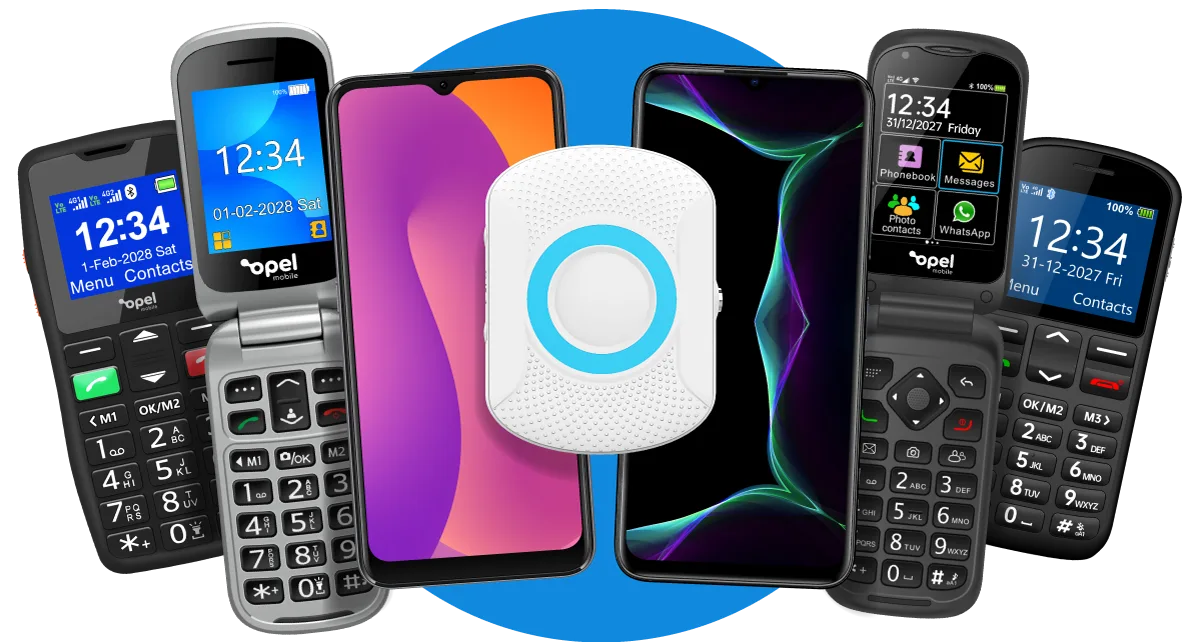
Our solutions are of excellent quality due to being Australian designed. From flip phones to smartphones and big button phones we have now added the SafetyPendant to the Opel Mobile family.
Opel Mobile
FlipPhone 6
The Best Mobile Phone for Seniors, and the Visually and Hearing Impaired – at just €84.95!
Available at Harvey Norman
Talk to a Senior Care Expert and Order Your FlipPhone 6 Today!
 1800 456 902